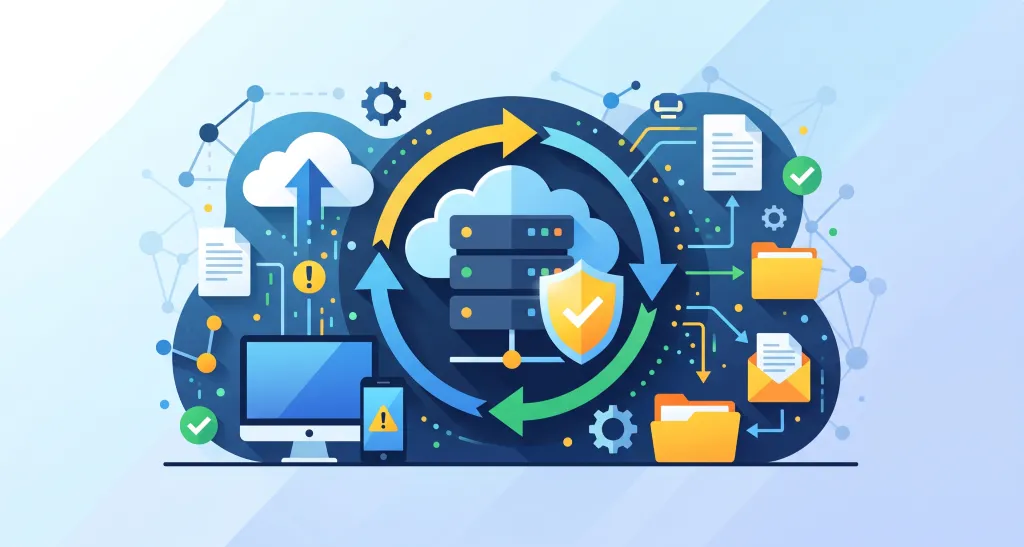
When operating systems such as websites and servers, data “backup” is an essential element.
However, in actual practice, a certain number of companies still do not take backups at all. They are in a state of “understanding the importance of backups, but postponing action.”
This article focuses on the design of the backup process and organizes and explains the concept of backups.
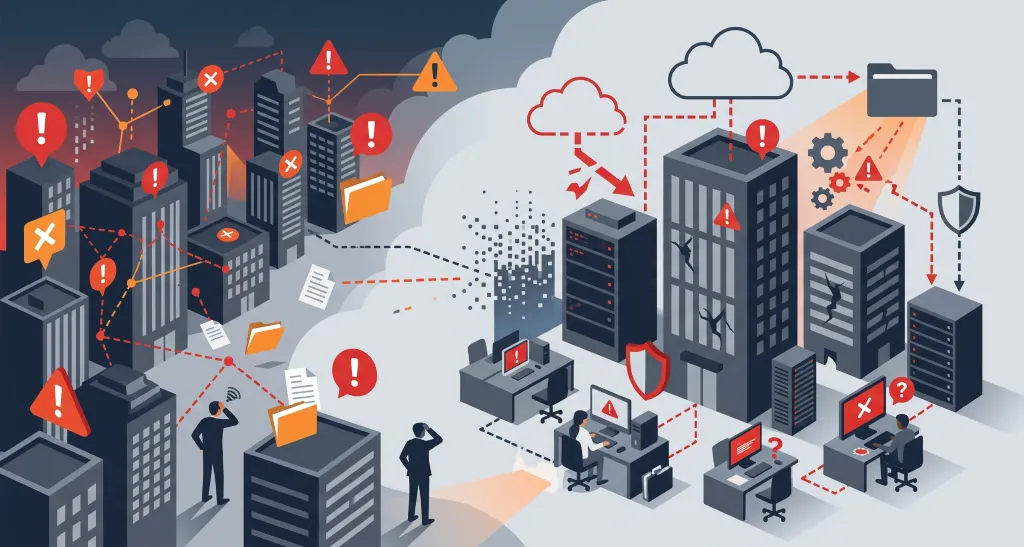
There are certainly companies that do not back up their data. Moreover, this is not only an issue for some large enterprises; it is a trend widely seen among small and medium-sized businesses and small-scale operators.
For example, in small and medium-sized businesses, shortages of personnel, budget, and time have become obvious, so the priority of backup measures is extremely low. This is a realistic issue faced by many companies.
| Common Voices | Reality |
| Work is busy, and there are not enough people, budget, or time | The loss is far greater when data disappears |
| We do not really know how to do it | It appears to require specialized knowledge and skills |
| We are a small company, so we will not be targeted | Cyber attackers target companies of all sizes |
| It is in the cloud, so it is fine | Cloud providers do not protect “the contractor’s own data management” |
| We intend to do it someday | No matter how much time passes, it is never started |
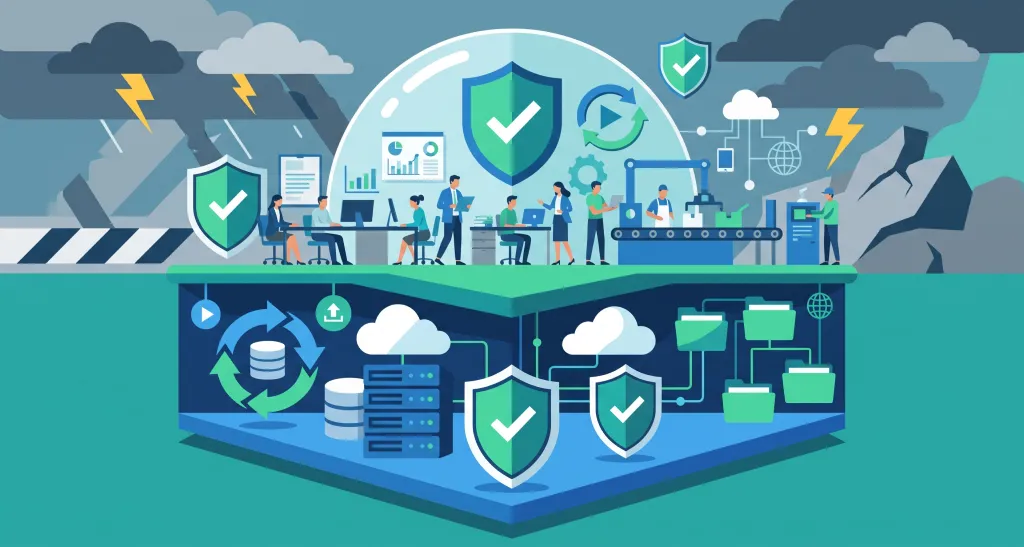
BCP (Business Continuity Plan) is a plan for minimizing damage to a company and restarting business at an early stage when a disaster, failure, cyberattack, or similar event occurs.
And “backup” is the foundation of that BCP. No matter how detailed a BCP is formulated, if the essential data is lost, business cannot be restarted.
In other words, backup is the foundation of “BCP,” and thinking about BCP also means thinking about backup.
| Elements of BCP (Business Continuity Plan) | Relationship with Backup |
| Determine priority business operations | Which data should be protected |
| Determine RTO (Recovery Time Objective) | Which method to use for backup |
| Determine RPO (Recovery Point Objective) | How frequently to back up |
| Define recovery procedures | They function only when a backup exists |
| Determine the operational structure and roles | Who manages backups and who performs recovery |

Companies that have not yet implemented backup measures should proceed with preparing the following items.
| Item | Overview |
| Take inventory of the data to be protected | Organize customer lists, accounting data, contracts, system account permissions, etc |
| Replicate and store the data | Databases such as MySQL are dumped using mysqldump and stored in network-isolated cloud storage or similar locations |
| Capture an image of the entire system | Take an image backup that includes settings such as the server OS, so that the system can be restored quickly in the event of a failure |
| Set up a mechanism to acquire data automatically | Configure data synchronization or automatic backup functions |
| Distribute replicated data across different environments | Distribute it physically and logically, such as across different regions, different clouds, or on-premises environments |
| Separate account permissions | Separate the accounts for the production environment and the backup environment |
| Make the data impossible to delete | Use immutable storage (which cannot be deleted or updated) and configure deletion protection |
| Check whether the data can be restored | Check whether the data is synchronized and has not been deleted, and regularly verify data restoration |
For example, on websites built with a CMS such as WordPress, it is standard practice to back up not only the site files but also the database.
This is because without that database, you cannot restore data such as the articles and settings within the site.
If your environment uses a MySQL database, obtain a “dump file” of the database in advance using a command such as mysqldump.
In recent years, the idea of “distributing replicated data across separate environments and applying dual or triple backups” has become important.
For example, if backups are stored in “only one location” on the same server or cloud environment, then if that account is compromised, a failure occurs, or a misconfiguration happens, the backups will be lost along with the production data.
There are also cases where a cyberattacker deletes all data, including the backups.
Although this requires budget and effort, having “data that also exists in another location” makes it possible to cope with unexpected contingencies.
Cloud services such as Alibaba Cloud and AWS provide an “immutable (WORM: Write Once, Read Many)” mechanism that protects objects (data) from deletion and overwriting for a certain period.
In these cloud services, by setting a retention period and locking it at the bucket level, objects cannot be deleted or overwritten during that period.
Note that while this provides strong security, careless operation that sets an excessively long retention period can make the data truly impossible to delete, so caution is required.
| Alibaba Cloud(Aliyun)OSS BucketWorm | A default retention period can be set on a bucket, and compliance mode provides even stronger protection |
| AWS S3 Object Lock | The policy is locked at the bucket level, and once locked, the retention period cannot be deleted or shortened |
System “backup” is an indispensable element for continuing to use websites and servers safely and securely.
Don’t forget to perform regular backups and verification, and promote dual or triple data storage in separate environments to prepare for unexpected contingencies.
| Website Development | https://beyond-shenzhen.cn/en/service/website |
| Cloud Business System | https://beyond-shenzhen.cn/en/service/development |
| Managed Cloud Services | https://beyond-shenzhen.cn/en/service/server |
For Website Development & WeChat Solutions
▼ WeChat Official Enterprise Account ▼

▼ Contact Inquiry Desk on WeChat ▼


 WeChat Official Account
WeChat Inquiry Desk




 【2026】Public Holiday Calendar for China, Japan, & Singapore